

diy
- 7 Dec
- 7 Dec
- 7 Dec
- 7 Dec
- 7 Dec
- 25 NovRead more »

6 Simple Ways To Boost The Juice
We’ve all been there - expecting a crucial phone call or desperately needing to send off a work email and meet a deadline in a remote location only to find there's a measly 10% left on our smartphone’s battery. And while there are plenty of charger options which we can recommend, there has to be a simpler solution to this everyday problem.
- 12 NovRead more »
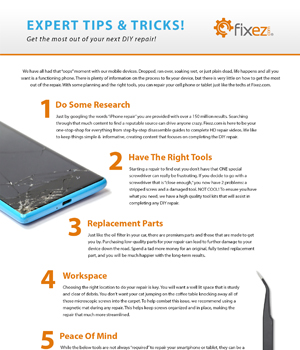
Expert Tips & Tricks
We have all had that “oops” moment with our mobile devices. Dropped, ran over, soaking wet, or just plain dead, life happens and all you want is a functioning phone. There is plenty of information on the process to fix your device, but there is very little on how to get the most out of the repair. With some planning and the right tools, you can repair your cell phone or tablet just like the techs at Fixez.com.
- 30 OctRead more »
A nonresponsive screen doesn’t mean your phone is ruined. Try these troubleshooting tips to get your screen working again.
- 28 OctRead more »

Think there's no harm in using a phone with a cracked screen? Think again! Just because your busted smartphone still functions doesn't mean it's a good idea to keep using it. Here are 6 reasons why you should take care of that cracked screen ASAP.
- 17 AugRead more »
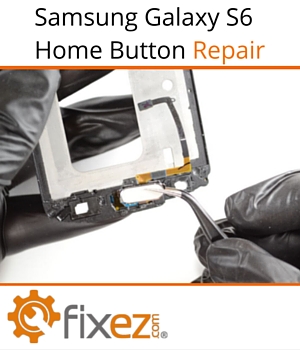
Is your Samsung Galaxy S6 home button rattling or unresponsive? Don’t panic! You can replace the home button yourself by following these simple steps.